- Connector Migration Overview
- Cloud Collectors Overview
- Navigate the Cloud Collectors UI
- Which Collector to Use?
- Hybrid Deployment Experience
- Supported Regions for Cloud Collectors
- Access the Cloud Collectors Service
- Set up a New Cloud Connectors Instance
- New Cloud Collectors
- Armis Cloud Collector
- Armis Context Collector
- AWS Eventbridge Cloud Collector
- AWS Inspector Cloud Collector
- AWS Redshift Cloud Collector
- AWS Shield Cloud Collector
- Claude Enterprise Cloud Collector
- Egnyte Cloud Collector
- Cybereason Cloud Collector
- Google Alert Center Cloud Collector
- Google Workspace Context Cloud Collector
- OneLogin Cloud Collector
- Palo Alto Networks SaaS Security Cloud Collector
- Rest API Context Cloud Collector
- Symantec CloudSOC Cloud Collector
- Symantec Cloud Secure Web Gateway Cloud Collector
- Symantec Email Security Cloud Collector
- Troubleshooting Cloud Collectors
PrevNext
Access the Cloud Collectors Service
The Cloud Collectors service is available from the Collectors tile of the New-Scale Security Operations Platform. Only users with Administrative permissions can view or access the Collectors tile.
On the New-Scale Security Operations Platform home page, click the Collectors tile to display the sub-menu.
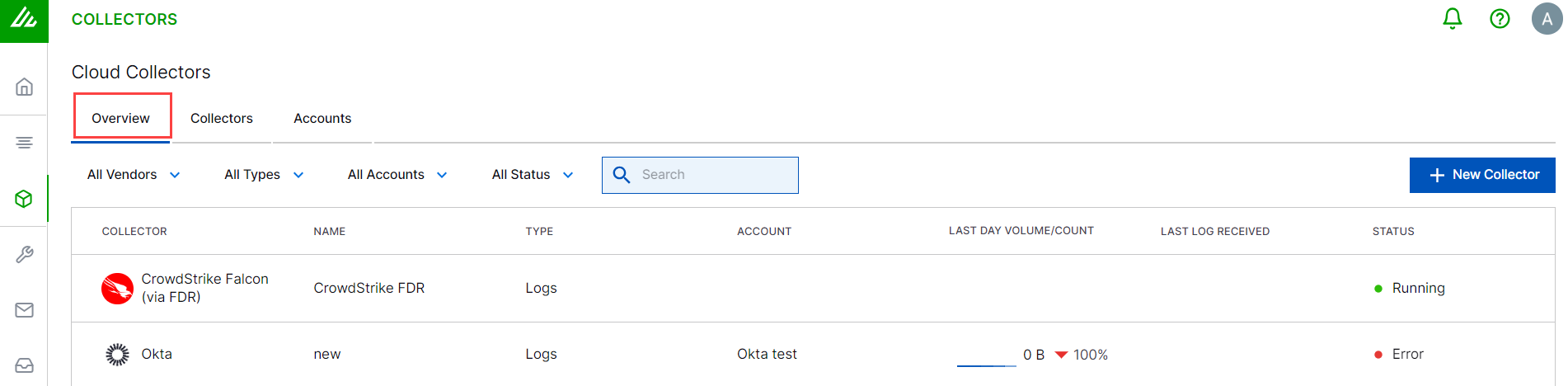
Select Cloud Collectors from the sub-menu. The Cloud Collectors Overview opens to display a list of cloud collectors.
Note
If no cloud collectors have been onboarded yet, the Overview tab will be empty. Start by creating some new collectors.
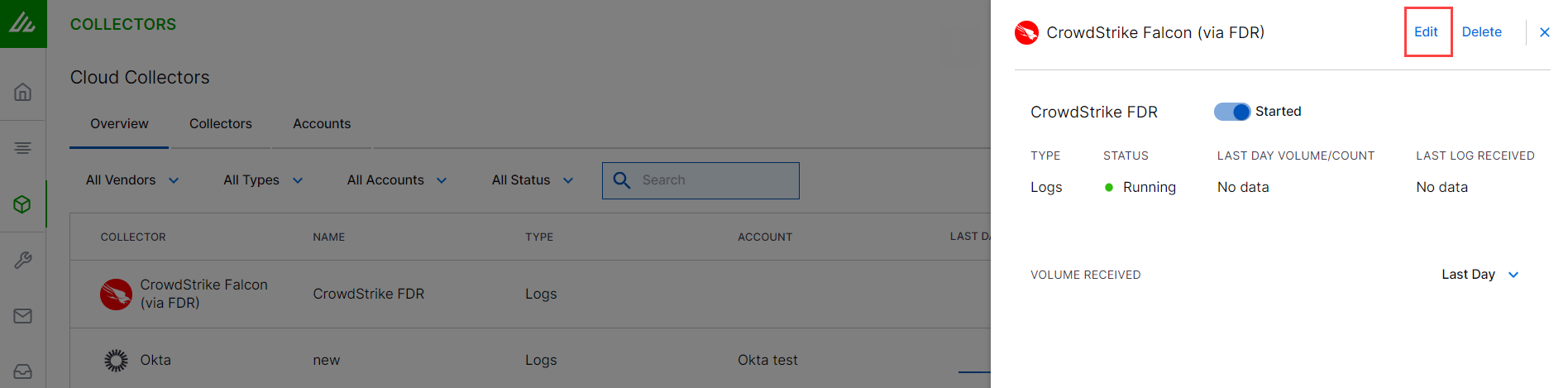
You can edit the configuration for a Cloud Collector instance by clicking a specific Cloud Collector instance in the list of Cloud Collector instances that you created.