
- Get Started with Correlation Rules
- Create Correlation Rules
- Create a Correlation Rule Using the Exabeam Nova Rule Creator
- Create a Correlation Rule from Scratch Using the Manual Rule Creator
- Create a Correlation Rule from a Template
- Create a Correlation Rule from Search
- Group by Field in Correlation Rules
- Detect Absent Events or Fields Using Correlation Rules
- Granular Suppression
- Correlation Rule Evaluation Delay
- Manage Correlation Rules
- Find Correlation Rules
- Share Correlation Rules
- View Correlation Rules Metrics
PrevNext
Manage Correlation Rules List Columns
Customize how columns are displayed in the list of correlation rules.
Click Columns.
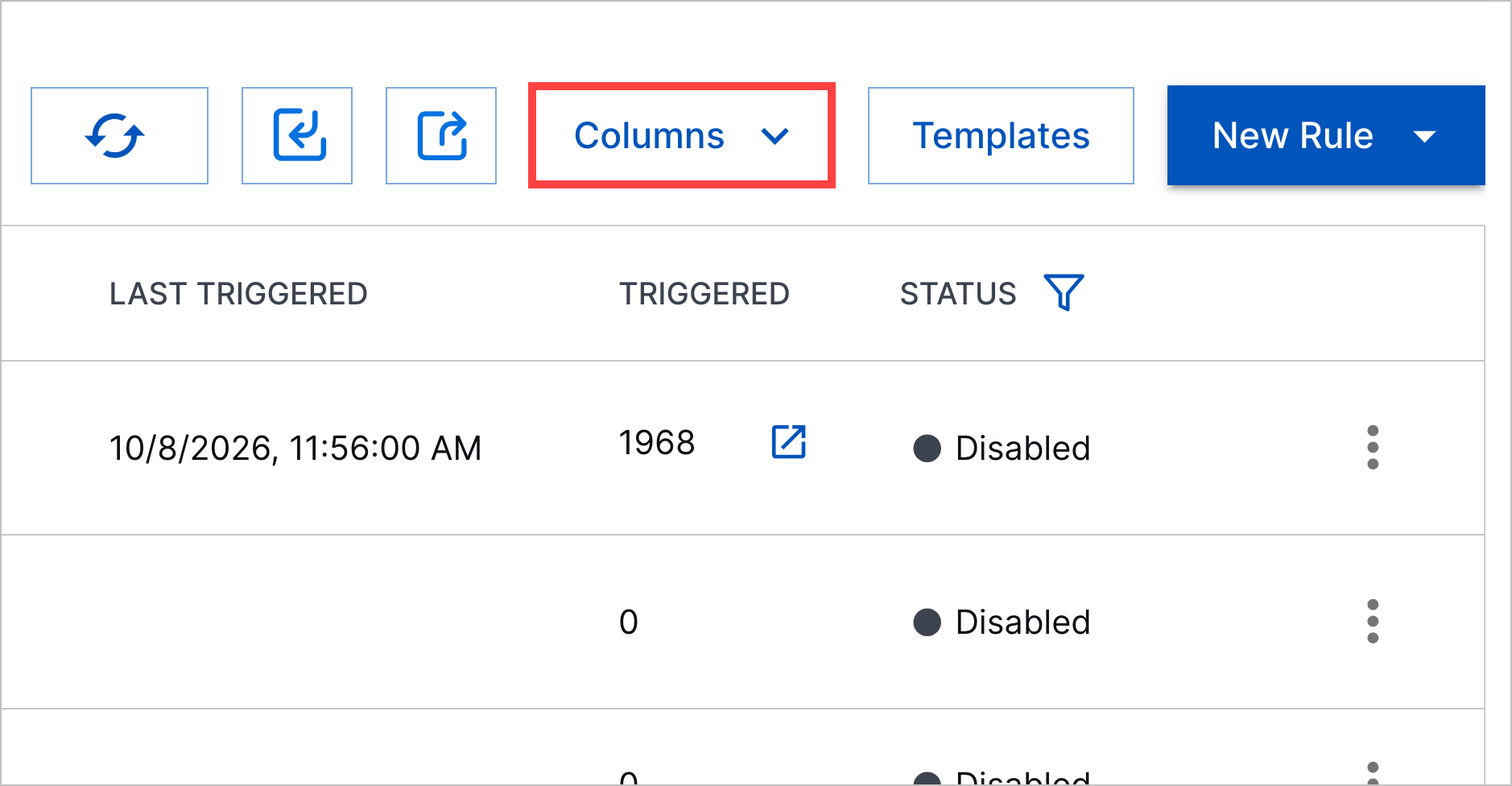
Configure which columns are displayed and how they're displayed:
To display a column, select the checkbox for the column.
To hide a column, deselect the checkbox for the column.
To move a column left, select Move a column up
 for the column.
To move a column right, select Move a column down
 for the column.
To find a specific column, enter the name of the column in Search...
Click Apply.