- Get Started with Attack Surface Insights
- Configure Attack Surface Insights
- Get an Overview of Entities in Attack Surface Insights
- Review Entity Health in Attack Surface Insights
- Search for Entities in Attack Surface Insights
- View Entities in Attack Surface Insights
- Manage Entities in Attack Surface Insights
- Entity Attributes
View Device Entity Details
View detailed information about a device entity.
To view details about a device entity, select the device entity. From the details, view:
View Device Entity Attributes
You can view all device entity attributes in device entity details.
Critical attributes are highlighted at the top of the entity details. Other attributes are organized by the source from where they're derived: attributes derived from context tables are under Context Data and attributes derived from events are under Event Data.
View Device Entity Threat History
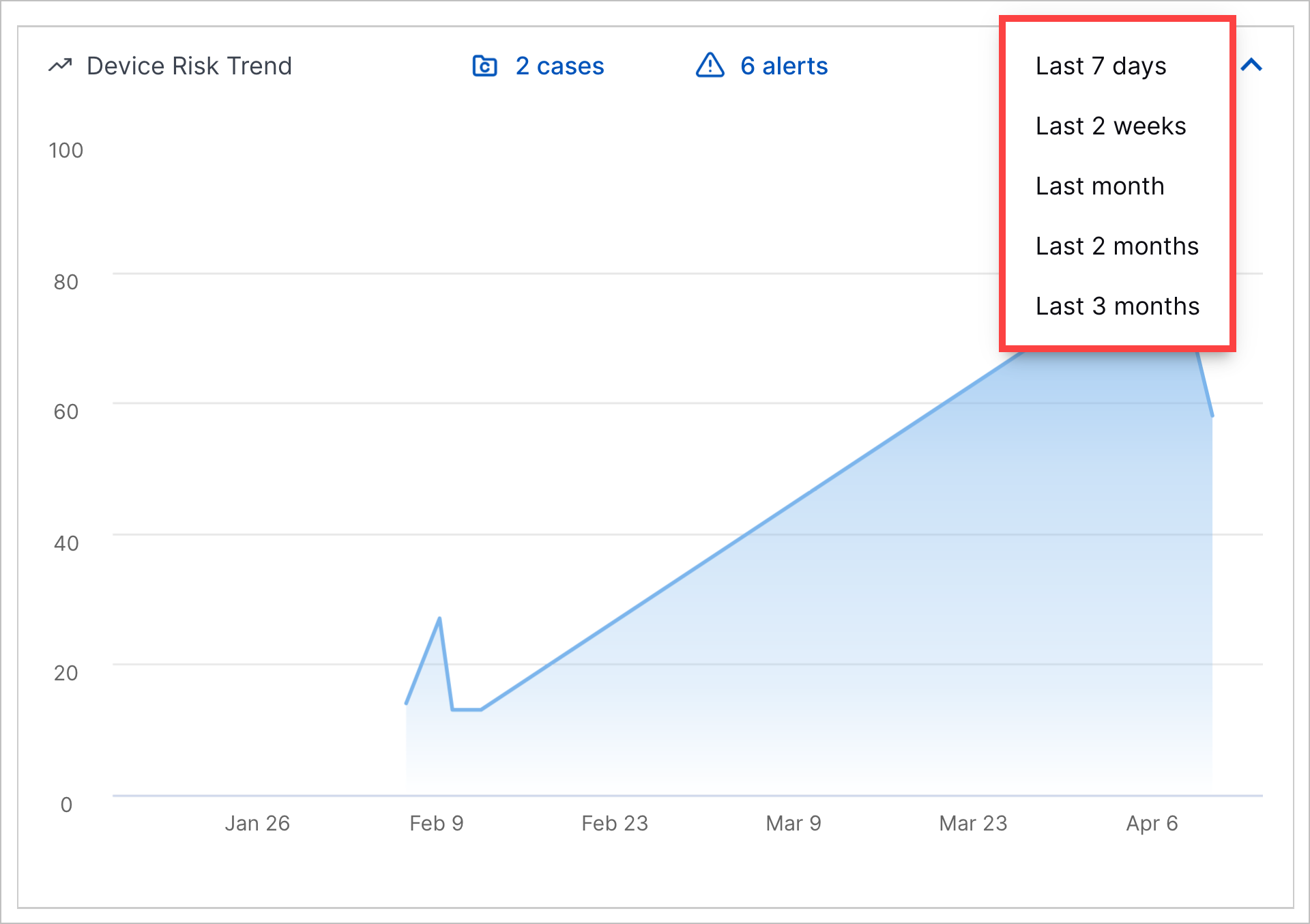
Under Device Risk Trend, view a history of the cases and alerts associated with a device entity over a period you specify: last seven days, last two weeks, last month, last two months, or last three months:
 |
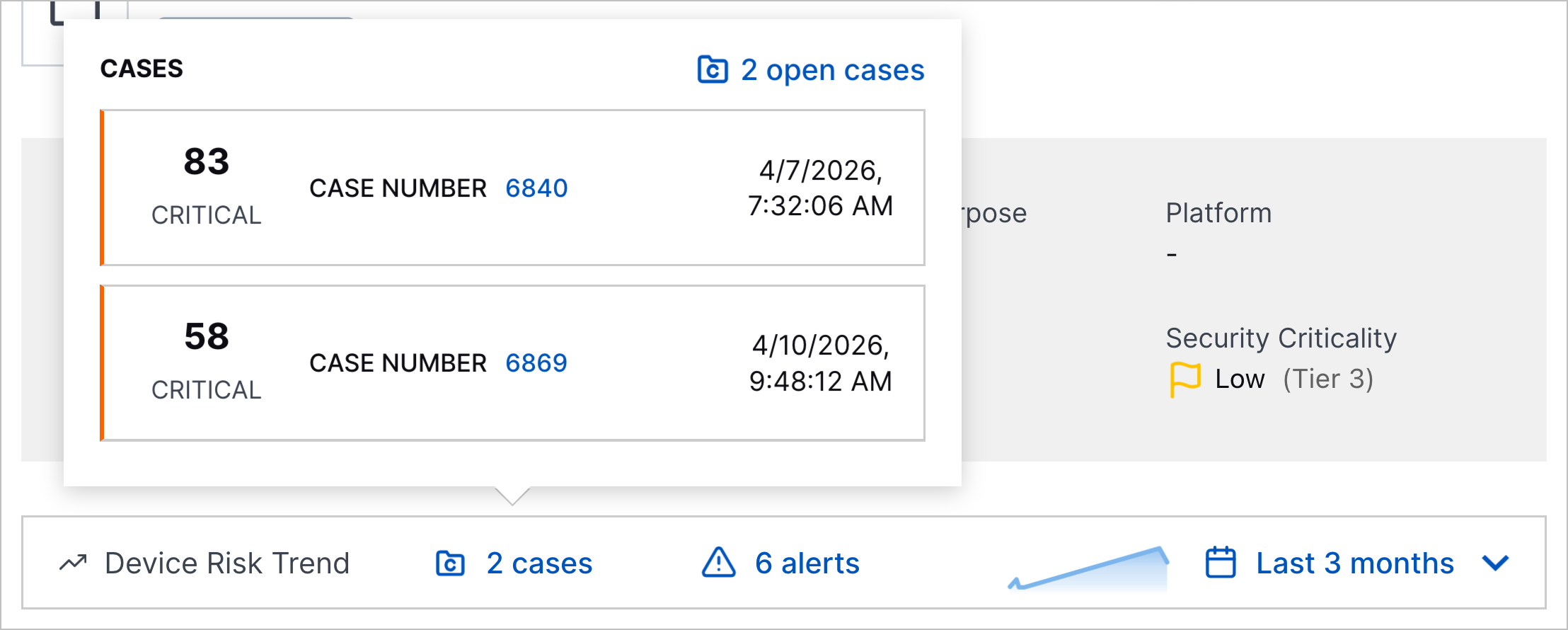
To view the number of open cases and alerts created over the specified period, minimize Device Risk Trend:

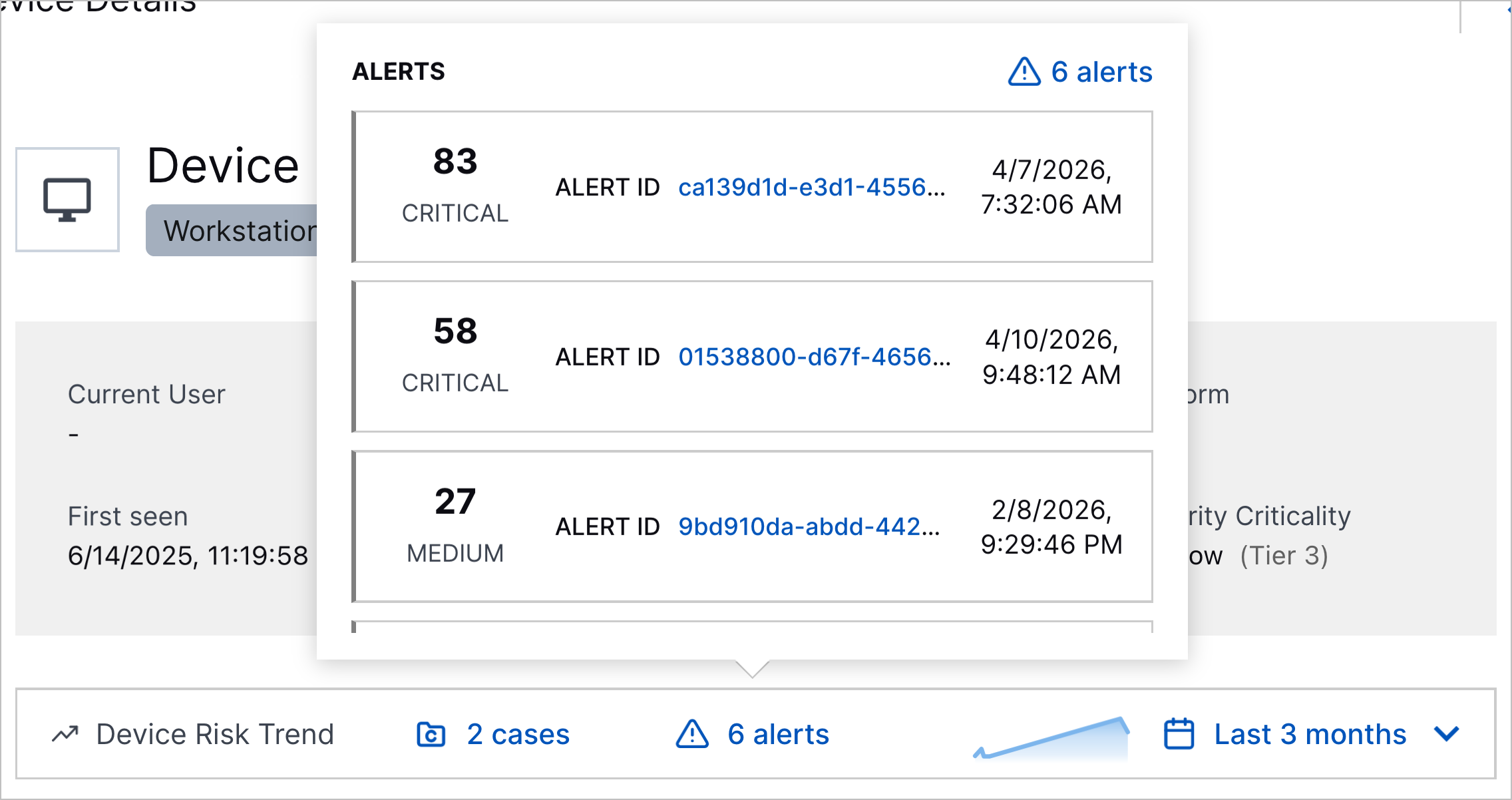
To view details about the cases and alerts, click <#> cases or <#> alerts:
 |
 |
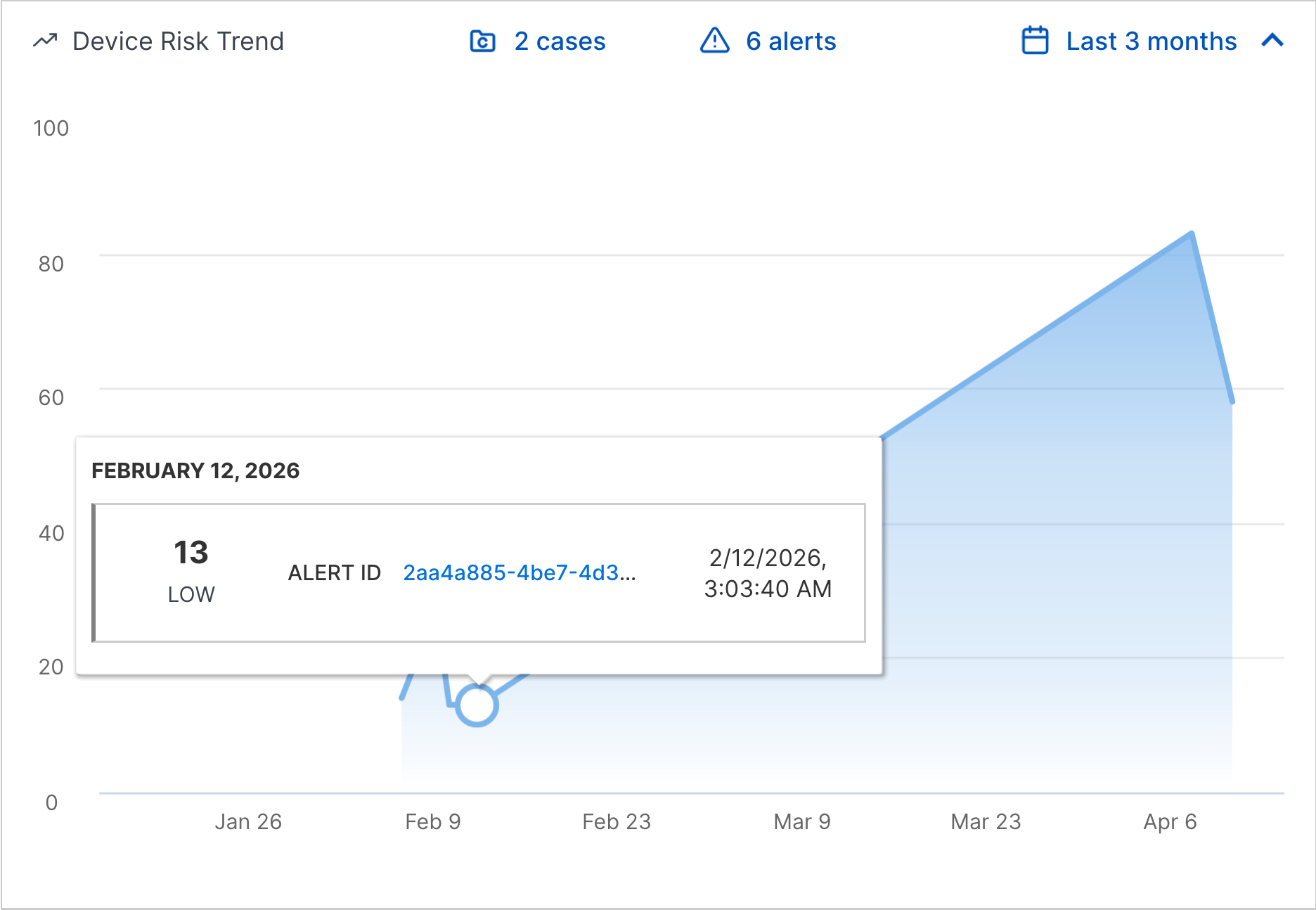
To view a line chart of a device entity's risk score over time, expand Device Risk Trend. Each point on the line chart represents the highest Threat Center case or alert risk score associated with the device entity on a given day.
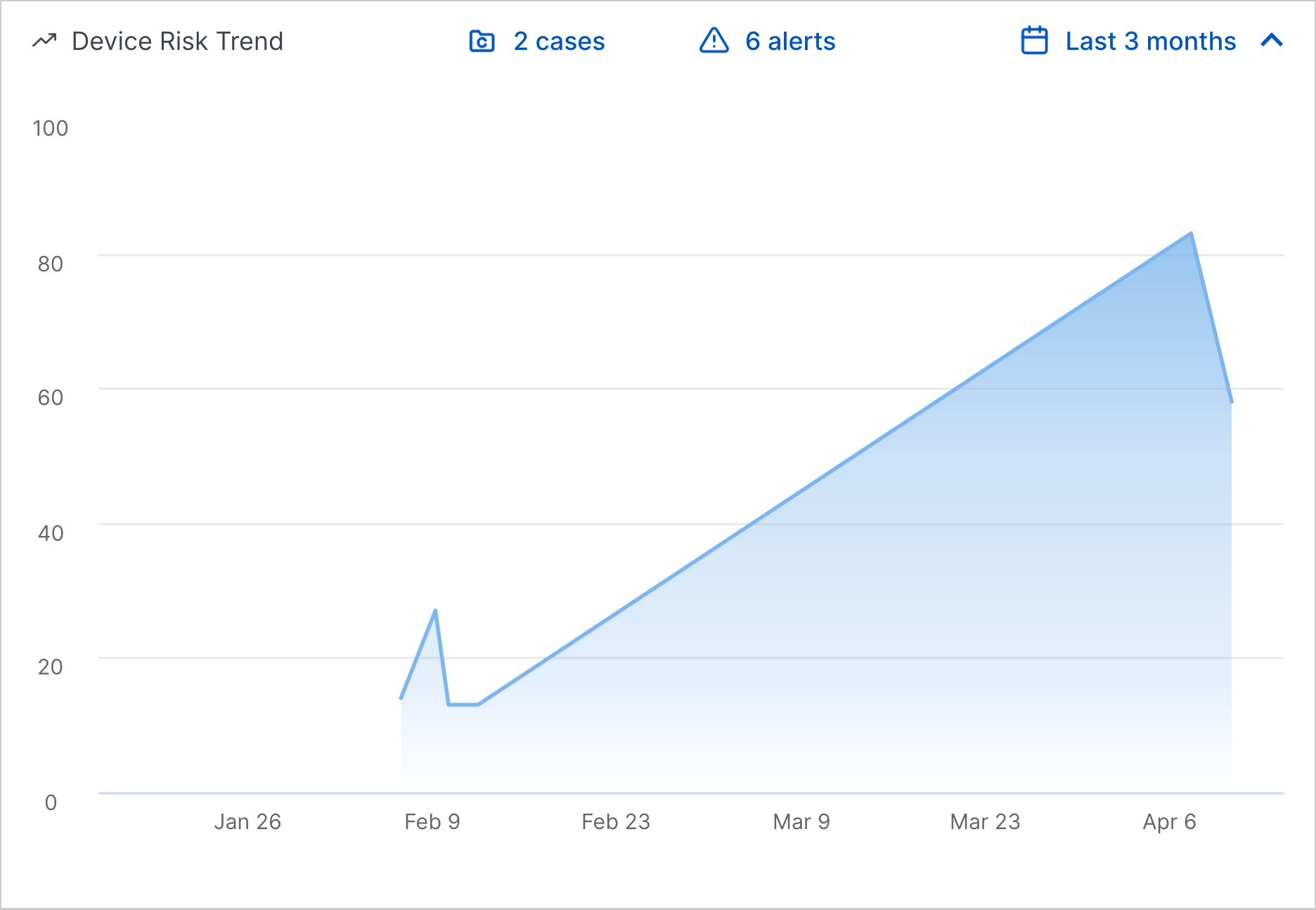 |
To view more information about the case or alert with the highest risk score, hover over the point on the line chart:
 |
To navigate to the case or alert with the highest risk score in Threat Center, click the point.
View IP Address History
Under IP Address History observed in events, all IP addresses observed in events related to the device entity. To refresh the list, click