
- Automation Management
- Automation Management Permissions
- Automation Management Playbooks
- Automation Management Playbook Triggers
- Pre-Built Automation Management Playbooks
- Automation Management Advanced Playbooks
- Automation Management Rule-Based Playbooks
- Filter Automation Management Playbooks
- Find Automation Management Playbooks
- Enable or Disable an Automation Management Playbook
- Reorder an Automation Management Playbook
- Delete an Automation Management Playbook
- Automation Management Services
- Automation Management Actions
- Create an Automation Management Action
- Clone an Automation Management Action
- Edit an Automation Management Action
- Deploy an Automation Management Action
- Preview Automation Management Action Code
- View Automation Management Action Run History
- View Automation Management Action Version History
- View Automation Management Action Audit Log
- Delete an Automation Management Action
- Refresh Automation Management Action List
- Automation Agents
PrevNext
Configure Autosave for Advanced Playbooks
While creating or editing advanced playbooks, enable or disable autosave.
With autosave enabled, your progress is automatically saved at regular intervals.
With autosave disabled, your progress is not automatically saved and you must manually save your progress. To manually save your progress, press command + S or Ctrl + S.
Your autosave setting applies to all advanced playbook drafts.
In an advanced playbook, click
 .
.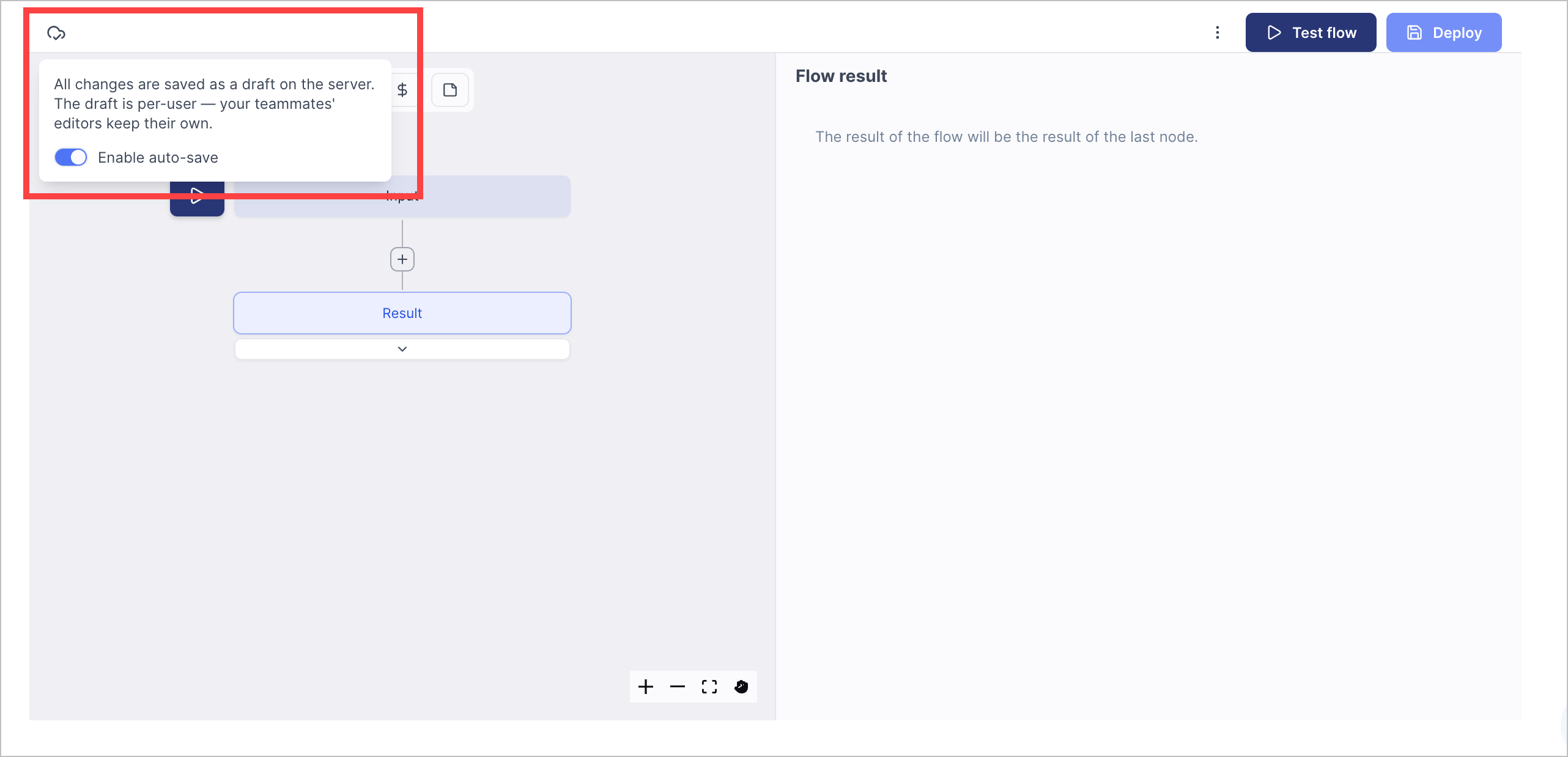
Enable or disable autosave:
To enable autosave, toggle Enable auto-save on.
To disable autosave, toggle Enable auto-save off.