- Get Started with Threat Detection Management
- Analytics Rules
- Analytics Rule Classifications
- Create an Analytics Rule
- Manage Analytics Rules
- Tune Analytics Rules
- Find Analytics Rules
- Share Analytics Rules
- Troubleshoot Analytics Rules
- Analytics Rules Syntax
- Advanced Analytics Rule Syntax vs. Analytics Rule Syntax
- Logical Expressions in Analytics Rule Syntax'
- String Operations Using Analytics Rule Syntax
- Integer Operations Using Analytics Rule Syntax
- Time Operations Using Analytics Rule Syntax
- Network Operations Using Analytics Rule Syntax
- Context Operations Using Analytics Rule Syntax
- Entity Operations Using Analytics Rule Syntax
- Correlation Rule Operations Using Analytics Rule Syntax
- Analytics Engine Status
- Correlation Rules
- Correlation Rule Sequences
- Correlation Rules Templates
- Create Correlation Rules
- Create a Correlation Rule Using the Exabeam Nova Rule Creator
- Create a Correlation Rule from Scratch Using the Manual Rule Creator
- Create a Correlation Rule from a Template
- Create a Correlation Rule from Search
- Group by Field in Correlation Rules
- Detect Absent Events or Fields Using Correlation Rules
- Granular Suppression
- Correlation Rule Evaluation Delay
- Manage Correlation Rules
- Find Correlation Rules
- Share Correlation Rules
- View Correlation Rules Metrics
- Threat Scoring
- Get Notified About Threat Detection Management
Analytics Engine Status
Determine the state and health of the analytics engine by monitoring analytics engine status.
View the status of the analytics engine under Engine Status:
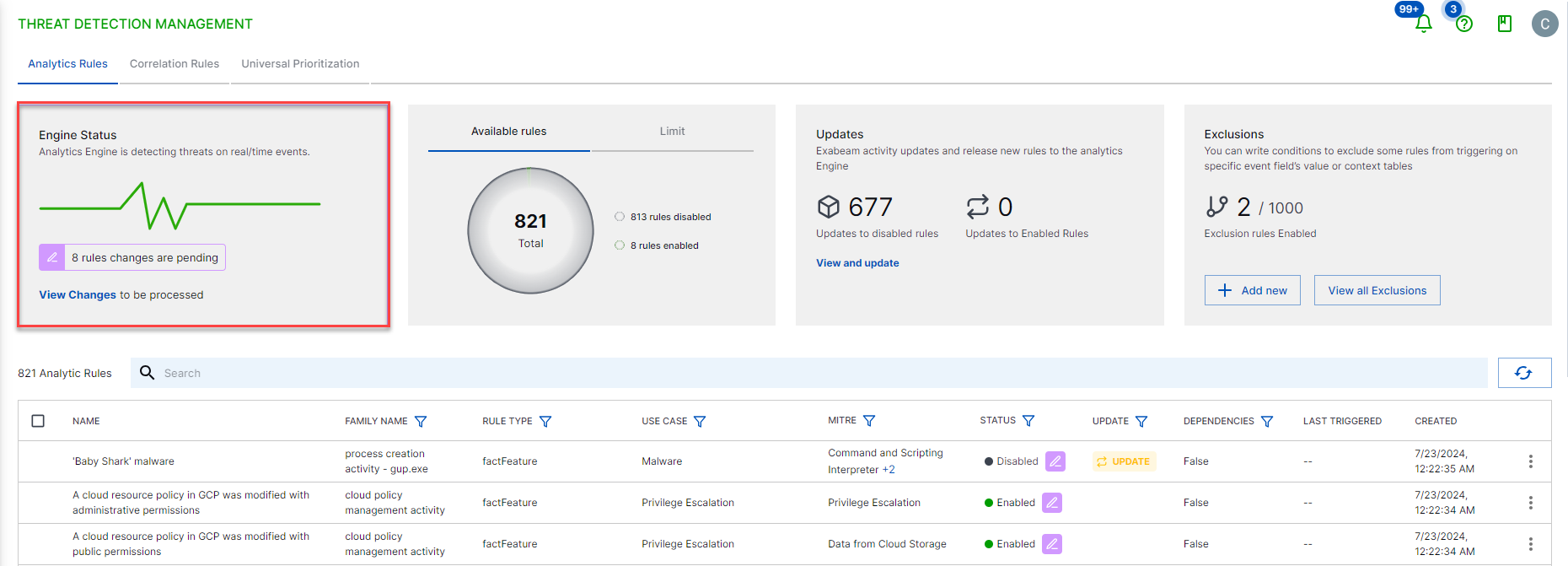
The analytics engine displays one of the following statuses:
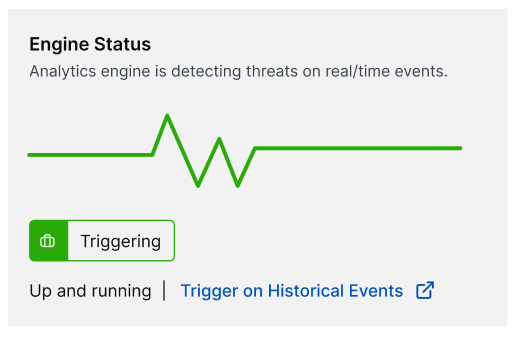
Triggering – The analytics engine is actively detecting threats in incoming events.
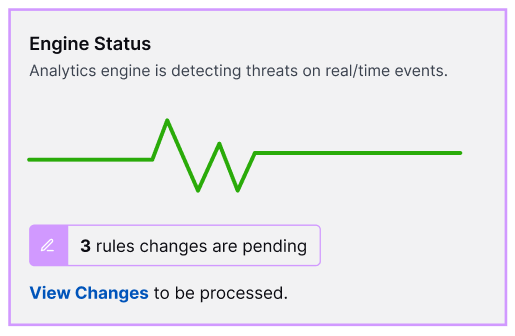
Pending changes – The analytics engine is actively detecting threats based in incoming events but has pending rule changes. To review and apply the rules changes, click View Changes.
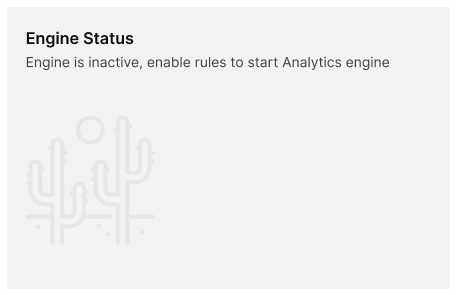
Inactive – There are no active analytics rules the analytics engine can use to evaluate incoming events. To start detecting threats, enable one or more analytics rules.
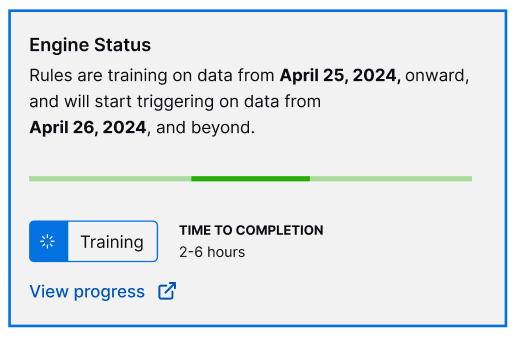
Training – The analytics engine is in a training period, assessing historical data to establish baselines. You can view its progress and how much time is left before the training period is completed.
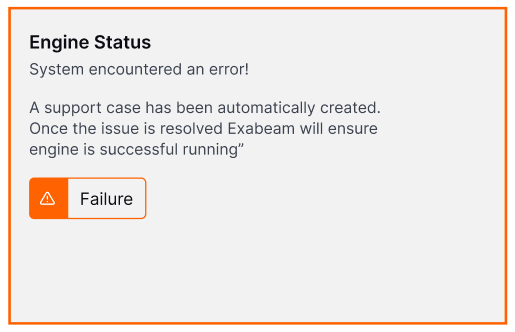
Failed – The analytics engine has encountered an error and is not operational. To fix the error, create a case in the Exabeam Support Portal. After Exabeam Support resolves the issue, the analytics engine reprocesses and goes through a training period.