
- Get Started with Threat Detection Management
- Analytics Rules
- Analytics Rule Classifications
- Create an Analytics Rule
- Manage Analytics Rules
- Tune Analytics Rules
- Find Analytics Rules
- Share Analytics Rules
- Troubleshoot Analytics Rules
- Analytics Rules Syntax
- Advanced Analytics Rule Syntax vs. Analytics Rule Syntax
- Logical Expressions in Analytics Rule Syntax'
- String Operations Using Analytics Rule Syntax
- Integer Operations Using Analytics Rule Syntax
- Time Operations Using Analytics Rule Syntax
- Network Operations Using Analytics Rule Syntax
- Context Operations Using Analytics Rule Syntax
- Entity Operations Using Analytics Rule Syntax
- Correlation Rule Operations Using Analytics Rule Syntax
- Analytics Engine Status
- Correlation Rules
- Correlation Rule Sequences
- Correlation Rules Templates
- Create Correlation Rules
- Create a Correlation Rule Using the Exabeam Nova Rule Creator
- Create a Correlation Rule from Scratch Using the Manual Rule Creator
- Create a Correlation Rule from a Template
- Create a Correlation Rule from Search
- Group by Field in Correlation Rules
- Detect Absent Events or Fields Using Correlation Rules
- Granular Suppression
- Correlation Rule Evaluation Delay
- Manage Correlation Rules
- Find Correlation Rules
- Share Correlation Rules
- View Correlation Rules Metrics
- Threat Scoring
- Get Notified About Threat Detection Management
PrevNext
Manage Analytics Rules List Columns
Customize how columns are displayed in the list of analytics rules.
In the Analytics Rules tab, click Columns.
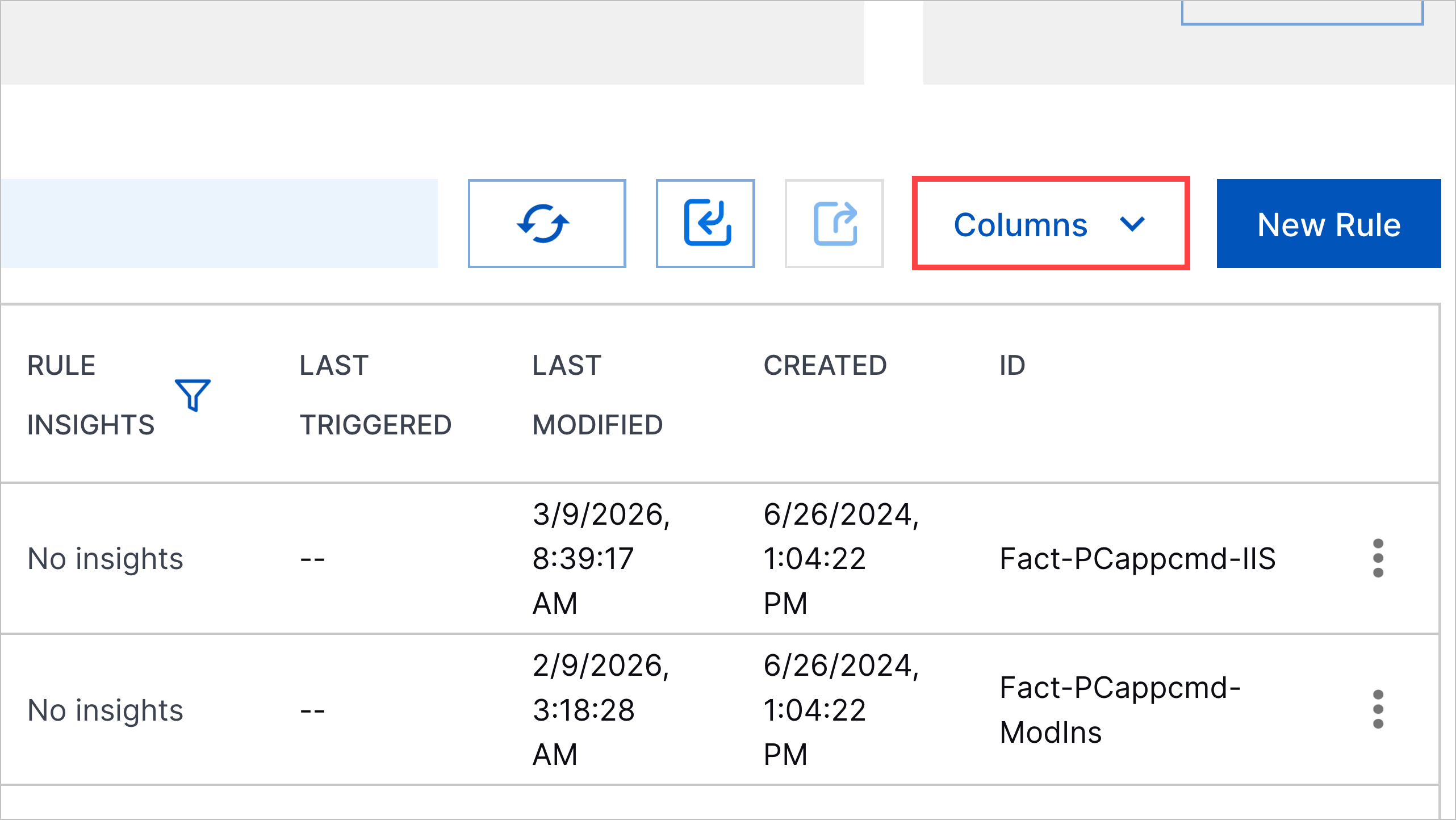
Configure which columns are displayed and how they're displayed:
To display a column, select the checkbox for the column.
To hide a column, deselect the checkbox for the column.
To move a column left, select Move a column up
 for the column.
To move a column right, select Move a column down
 for the column.
To find a specific column, enter the name of the column in Search...
Click Apply.